To view and download your past invoices, follow the steps mentioned below:
- Log in to your customer portal.
- Go to billing.
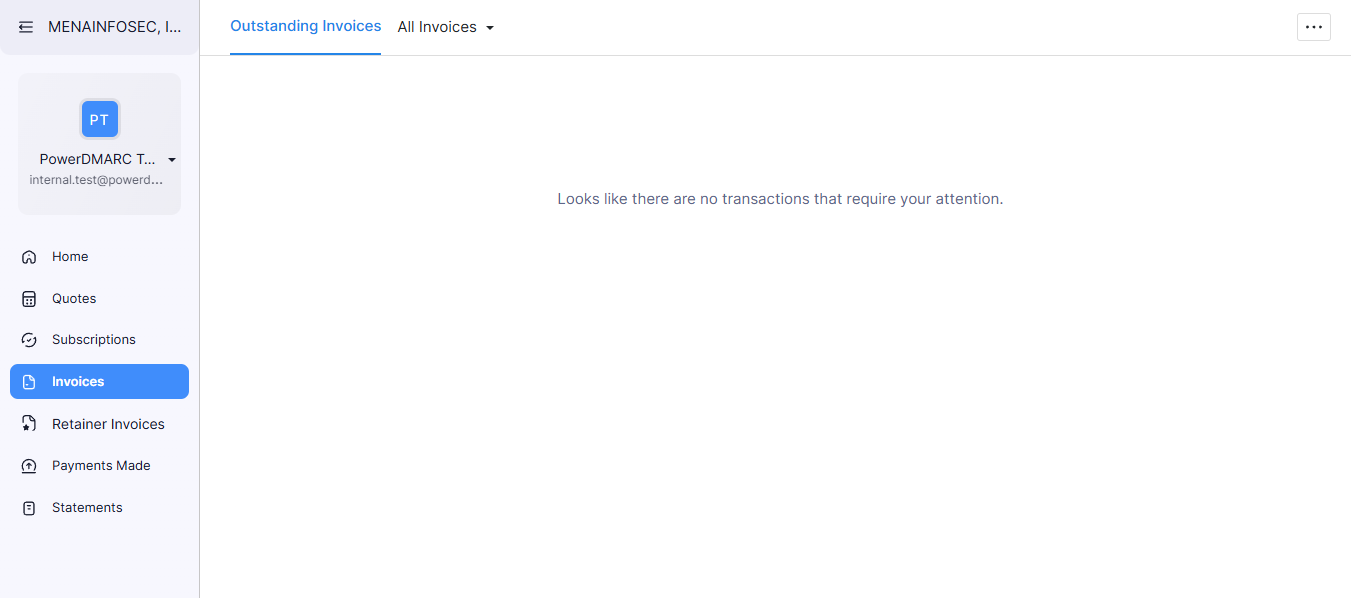
- Go to the Invoices tab.
- Click the invoice number to view or use the download icon to save as PDF.

To view and download your past invoices, follow the steps mentioned below: