
If you experience difficulty signing in, the platform provides clearer, context-aware guidance to help you quickly resolve the issue and regain access.
Instead of showing only a generic error, the login page identifies failed attempts and highlights the most relevant next step based on how your account is configured. This may include guidance to reset your password, use your Single Sign-On (SSO) provider, or contact your administrator or support.
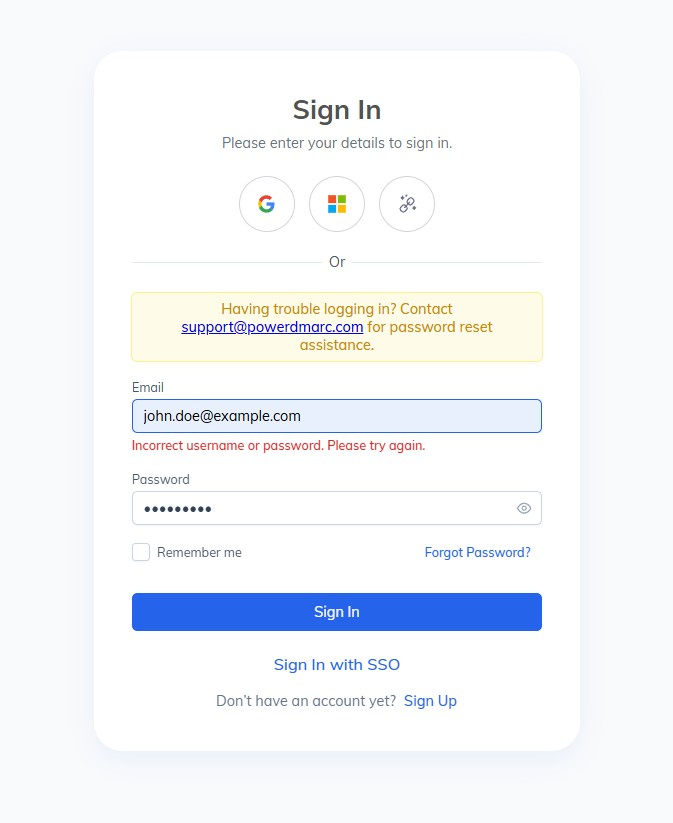
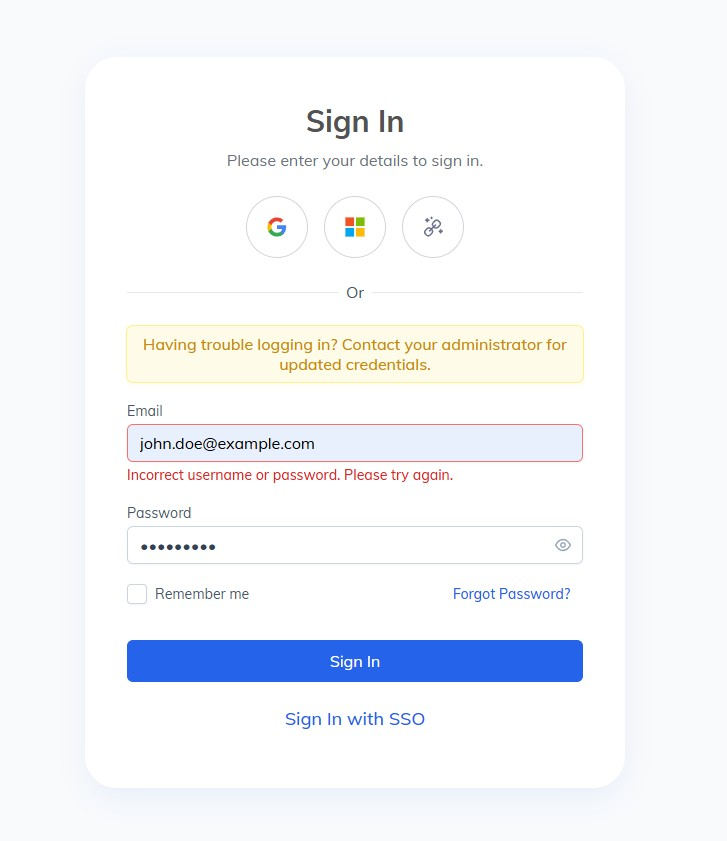
This approach helps reduce repeated login attempts and directs you toward the fastest resolution, whether your account uses standard credentials or organization-managed authentication.
If you continue to experience issues after following the on-screen instructions, you may need to reset your password, confirm your SSO access, or reach out to your administrator or support team for assistance.